
This is the question that stops more people than any other, and it usually gets answered badly. Half the internet tells you Pro is essential. The other half tells you free is fine. Both are being lazy, because the real answer depends on what you’re making and what’s inside it.
I’ve made and sold products on both plans. Here’s the version I’d give a friend.
The direct answer: no, you don’t need Canva Pro to sell digital products. The free plan allows commercial use and is genuinely enough for your first several products. Pro removes watermarks, unlocks premium elements and gives you unlimited One Design Use Licenses for around $18 a month or $144 a year. The thing that actually matters isn’t which plan you’re on – it’s that neither plan lets you sell Canva’s content on a standalone basis.
That last sentence is the one that gets shops removed. We’ll spend most of this post on it.
Do You Need Canva Pro to Sell Digital Products?
No. Canva Free permits commercial use, and you can build and sell real products on it from day one.
The difference between Free and Pro is about access and convenience, not permission. Free users can design and sell ebooks, planners, printables, workbooks and templates commercially. Pro doesn’t grant you a right you didn’t have – it gives you a bigger library, no watermarks, and fewer per-design licence purchases.
Which means the honest sequence is: start on Free, make your first three or four products, and let Pro become obvious once you’re selling. Paying $18 a month before you’ve made a single sale is a subscription funding a hobby. Paying it once you’re making $200 a month is a business expense that saves you hours.
Some context on why the free tier is as good as it is: Canva ended 2025 with over 265 million monthly active users, and only about 31 million of them pay. The free plan isn’t a stripped-down trial. It’s the product almost everyone uses, and Canva keeps it strong on purpose.
What Can You Actually Make and Sell on Canva Free?
Almost everything a beginner sells. The limits are elements and convenience, not product categories.
On the free plan you can build and sell:
- Printables – checklists, trackers, worksheets, wall art
- Digital and printable planners
- Ebooks, guides and lead magnets
- Workbooks and course materials
- Social media template sets sold as Canva template links
- Product mockups and listing images
- Journals, logs and habit trackers
The real friction points on Free:
Watermarked Pro elements. You can use them, but the download carries a watermark unless you buy that element’s One Design Use License – a one-off fee that covers that single design only. Fine occasionally, annoying at scale.
A smaller usable library. Pro opens up 100+ million premium photos, videos, graphics and audio. On Free you’re working within the free subset, which is large but noticeably more recycled – and “recycled” is a genuine problem when your listing image needs to look different from the 400 others on the results page.
No brand kit, no background remover, no one-click resize. These are time savers, not capability gates. You can do all three manually. It just costs you minutes each time.
None of that stops you launching. It slows you down slightly, and slightly slower is a fine trade for $0 while you’re still finding out whether people buy.
What Does Canva Pro Actually Unlock for Sellers?
Four things that matter commercially, and a lot of things that don’t.
1. Unlimited One Design Use Licenses. This is the real one. On Pro, every premium element you use in a design is covered, with no per-design purchases and no watermarks. If you’re producing 20 listings a month, this alone justifies the cost.
2. A much bigger, less-recycled element library. Your mockups and covers stop looking like everyone else’s. On a marketplace where 5.6 million active sellers are competing for attention, visual differentiation is not a vanity concern – the listing image is the product as far as the buyer is concerned. More on that in how to create digital product mockups in Canva.
3. Background remover and Magic Resize. Background remover makes decent mockups possible without Photoshop. Magic Resize turns one pin design into five sizes in a click, which matters a lot if Pinterest is your traffic channel.
4. Brand kit. Fonts, colours and logo locked in, so a 30-product catalogue looks like one shop instead of thirty. Worth more than people expect once you’re past ten listings.
What Pro does not give you: permission you didn’t already have. It doesn’t make standalone resale legal, it doesn’t remove the restrictions below, and it doesn’t make a bad product sell.
At $18 a month, or $144 a year if you pay annually, annual is the only sensible way to buy it – the monthly price is roughly a 50% premium for the privilege of cancelling.
What Can You Never Sell With Canva – Free or Pro?
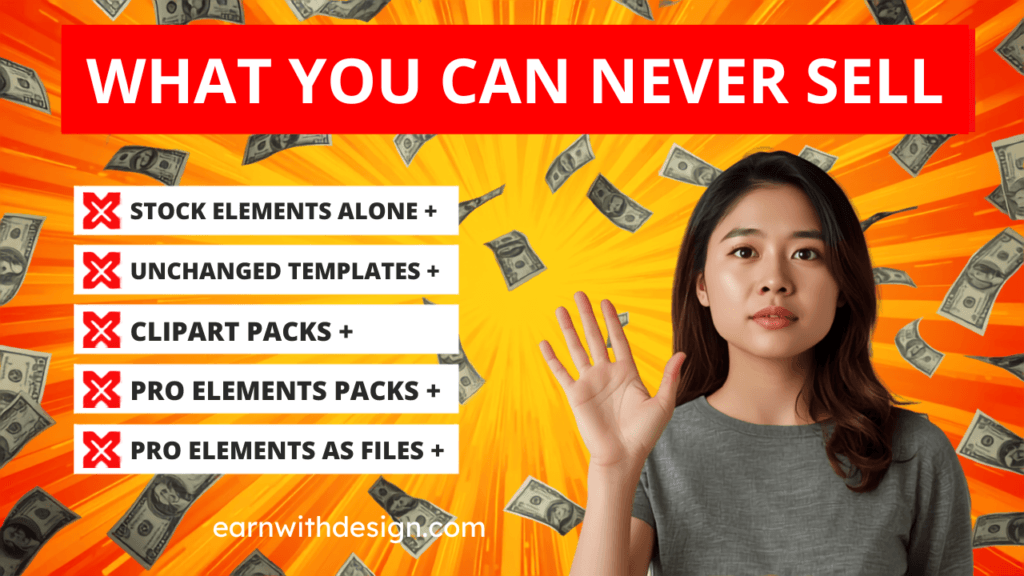
Canva content on a standalone basis. This rule applies identically on both plans and it’s the one that gets shops taken down.
In plain English, here’s what that means:
You can’t sell Canva’s elements as the product. Take an illustration from Canva’s library, put it on a t-shirt by itself, sell the t-shirt – not allowed. The Canva asset has to be part of something you designed, not the thing being sold.
You can’t resell an unmodified Canva template. Opening a Canva template, changing the text, and listing it as your own product is a licensing problem and a quality problem. Your design has to be substantially your own work.
You can’t use Canva content to create stock assets. You can’t build clipart packs, digital paper, or element bundles out of Canva’s free or Pro content and sell those. Stock content has to be created from scratch, with assets you’re licensed to redistribute.
Pro content can only be sold as a Canva template link, never as a downloadable file. This one catches people constantly. If your design contains Pro elements, you may sell it as an editable Canva template link. You may not export it and sell the flat file. If you want to sell a downloadable PDF or PNG, build it entirely from free elements or from assets you’ve licensed elsewhere.
That last rule is the practical reason most sellers keep two workflows: template-link products can use anything, downloadable products get built from a clean, self-licensed element library. It’s also why I buy fonts, graphics and patterns from Creative Fabrica rather than leaning entirely on Canva’s library – the commercial licensing is explicit, it travels with you off the platform, and licensing is the one mistake you cannot fix retroactively once the product is out there.
Two more things that are always fine on either plan: text you wrote yourself, and layouts you built yourself. A planner made of your own structure, your own headings and free-tier shapes is entirely yours to sell as a file.
Quick disclaimer: I’m a creator, not a lawyer, and Canva updates its terms. Read the current Content License Agreement before you list anything you’re unsure about.
When Is Canva Pro Worth Paying For?
When you’re making more than about five products a month, or when you’ve made your first $100. Whichever comes first.
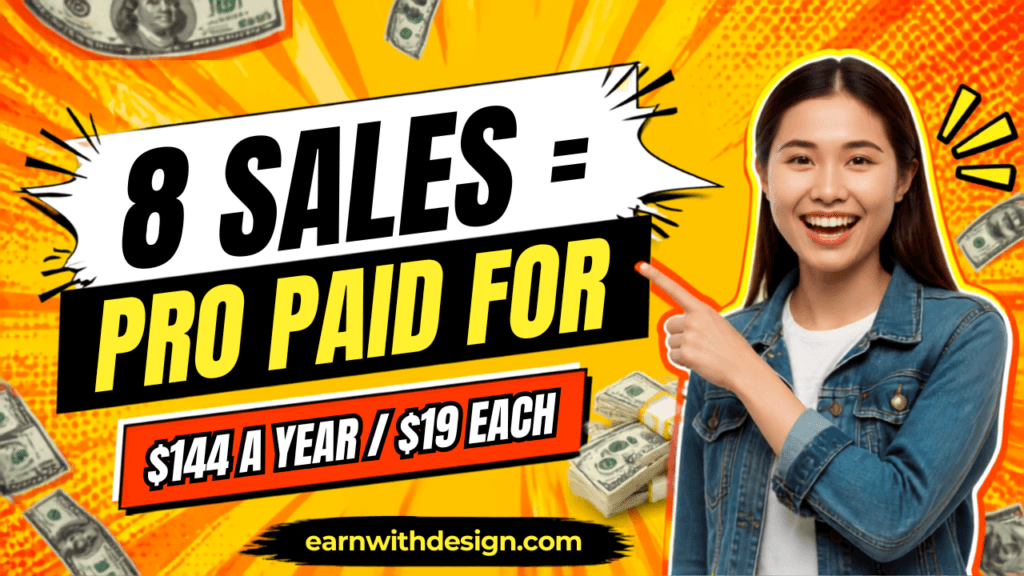
Do the arithmetic rather than the vibes. Pro is $144 a year. At a $19 average order value that’s eight sales a year to break even. Eight. If your shop is selling at all, Pro is already paid for.
The three clear signals it’s time:
You’re buying One Design Use Licenses more than twice a month. You’re now paying a worse version of the subscription in instalments.
You’re making listing images and pins weekly. Magic Resize and background remover save real hours here, and hours are the scarce resource when you get 60 to 90 minutes a day.
Your catalogue passed ten products. Brand consistency starts mattering. A shop that looks designed converts better than a shop that looks assembled.
And the clear signal it isn’t time yet: you haven’t finished a product. If Canva Pro is the thing you’re buying instead of shipping something, don’t. Tooling is the most comfortable form of procrastination in this business.
How Do You Check a Design Is Safe to Sell?
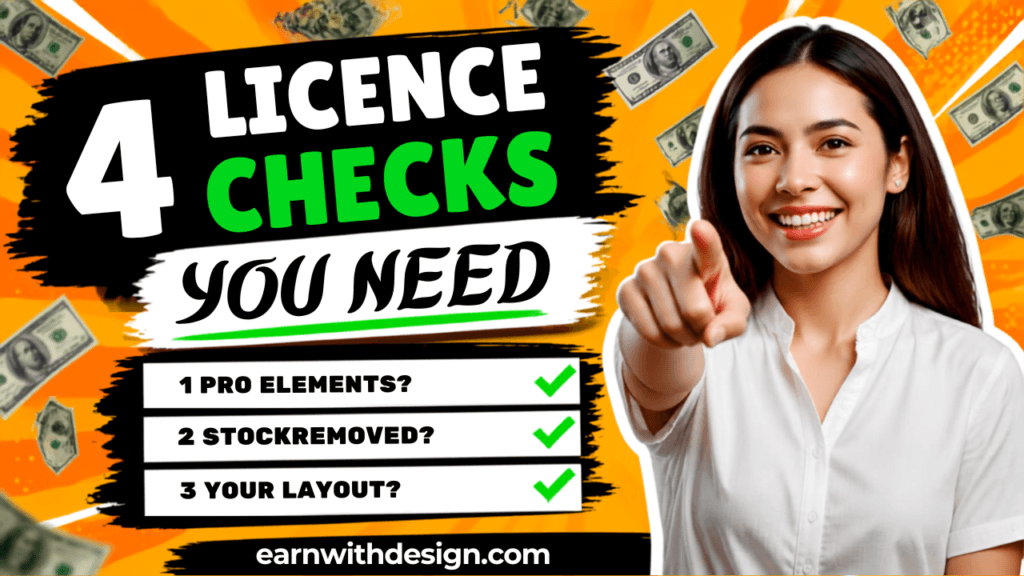
Five minutes before you list, run these four checks. It’s faster than a takedown appeal.
- Is any element in this design a Pro element? If yes, it’s a template link product only, never a downloadable file.
- Would this design still exist if you removed Canva’s stock assets? If removing them leaves nothing, the Canva content is the product, and that’s the line you can’t cross.
- Did you build the layout, or did Canva? Changing text on a stock template isn’t enough. The structure should be yours.
- Are you selling assets or a finished product? Finished products are fine. Asset packs made from Canva content are not.
If all four pass, list it. If check 1 fails, switch it to a template link. If check 2 or 3 fails, rebuild it properly – it usually takes less time than you think, and the version you build yourself sells better anyway.
For the full template-link workflow, including how to share the link so buyers get an editable copy rather than your original, see how to sell Canva templates. And if you’re working with PLR files, how to sell PLR Canva templates on Etsy covers the layer of licensing that sits on top of Canva’s.
What Should You Spend Money on Before Canva Pro?
Nothing, for the first month. After that, the order that actually pays back.
If you have a small budget and you’re deciding where it goes, this is the sequence I’d use:
First: nothing. Free Canva, free Systeme.io, Etsy’s roughly $0.20 listing fee. Get one product live and find out if anyone wants it.
Second: your delivery and email setup. Getting the buyer onto your list is worth more than a nicer graphic, because the second sale to the same person is where the margin lives. I run mine on Systeme.io – the free plan covers the sales page, checkout, file delivery and email sequence in one place, so this step genuinely costs nothing to start. The sequence itself is in the email welcome sequence that sells.
Third: Canva Pro. Once you’re producing weekly and selling at all.
Fourth: assets and copy. Creative Fabrica for licensed fonts and graphics you can use anywhere, and LeadCreator if writing listing copy and sales pages is where you stall – it drafts headlines, bullets and button copy fast enough to finish a listing in one sitting rather than leaving it in drafts for a fortnight. If you’re promoting with short-form video, CapCut handles captions faster than doing them manually.
Almost nobody fails at this because of their design tool. They fail because they made four products in six months. Spend money on the things that increase output or increase repeat sales, in that order.
Grab My Free 30-Day Content Planner
The plan you’re on matters far less than how many products and pins you actually publish this month.
Grab my free 30-Day Action Content Planner for Canva – it maps one core topic per week across Pinterest, YouTube, your blog and email, so one idea does four jobs and you stop losing your 90 minutes to deciding what to do. More free templates and starter files are at lead.earnwithdesign.com. <!– Add FAQ Schema markup via Rank Math or Yoast –>
FAQ
Do you need Canva Pro to sell digital products? No. Canva Free allows commercial use and is enough to build and sell printables, planners, ebooks and templates. Pro adds premium elements, no watermarks and unlimited One Design Use Licenses, but it doesn’t grant permissions the free plan lacks.
Can I sell things I make with Canva Free on Etsy? Yes, as long as the design is substantially your own work and you aren’t selling Canva’s content on a standalone basis. Free-element designs can be sold as downloadable files. Designs containing Pro elements can only be sold as Canva template links.
How much does Canva Pro cost in 2026? Around $18 a month billed monthly, or $144 a year billed annually. At a $19 average order value, annual Pro breaks even at about eight sales for the whole year.
What can’t you sell with a Canva licence? Canva content on a standalone basis, unmodified templates, stock asset packs built from Canva content, and downloadable files containing Pro elements. These restrictions apply on both the free and paid plans.
Can I sell a Canva template I downloaded as a PDF? Only if it contains no Pro elements and the design is substantially your own. If it uses Pro content, you can sell it as an editable Canva template link but not as a downloaded file.
Is Canva Pro worth it for Etsy sellers? Once you’re listing regularly, yes. The break-even is roughly eight sales a year, and Magic Resize plus background remover save meaningful time on listing images and pins. Before your first sale, it’s an expense with no return.
Do I need a business licence or Canva Enterprise to sell? No. Canva’s standard commercial terms cover selling products you design, on both Free and Pro. Enterprise is about team management and brand controls, not extra selling rights.
What happens if I break Canva’s licensing rules? Typically a listing takedown or a shop suspension on the marketplace, and potentially a claim from the original asset owner. It’s avoidable with a five-minute check before listing, and it’s not something you can fix after the product is already out there.
Can I use Canva’s AI image generator in products I sell? Canva’s terms and each marketplace’s policies both apply, and marketplace rules on AI content change frequently. I’ve covered how to handle this without getting flagged in how to use AI to create digital products.