
If you’ve typed “free ebook templates” into Google, you already know how that goes. Page after page of “free” templates that turn out to be a teaser for a paid bundle, or a template you can’t actually edit.
I make ebooks in Canva for my own business, so here’s the version that saves you time. Where to find templates that are really free, how to pick one that won’t fight you, and the part most blogs skip: what to do with the ebook once it’s done.
The direct answer: the fastest free ebook templates are inside Canva itself. Search “ebook” in the template bar, filter by free, pick a layout with 10 to 20 pages, swap in your text and colors, and export as PDF. A first draft takes about an hour. The smartest use of that first ebook is as a free lead magnet, because it builds your email list while you work on paid products.
Canva has around 260 million monthly active users and 21 million paying subscribers (2025 figures), which means most of your future customers are already comfortable opening a Canva link. That’s the reason I build in Canva instead of fighting with design software.
Where Can You Find Free Ebook Templates?
You can find free ebook templates in Canva’s own template library, in Canva’s free “ebook” and “guide” categories, and through creators who share free editable Canva links. Start inside Canva before you go hunting anywhere else.
Here’s my order of operations:
- Canva’s built-in library. Search “ebook”, “guide”, “workbook” and “lead magnet”. Filter to free if you’re on the free plan. The crown icon means Pro, so skip those if you’re not paying.
- Canva Pro trial or free elements. Even a free template can use Pro-only elements. Check the “Pro” tags before you fall in love with a layout.
- Creator freebies. Plenty of creators hand out free Canva ebook templates as their own lead magnet (yes, the same trick I’m about to teach you). You enter your email, you get a link, you click “use template”.
- Creative Fabrica free goodies. Creative Fabrica has a free section that rotates every week, and it’s where I grab fonts and graphics that make a free template look custom. Here’s my Creative Fabrica link if you want to look at what’s free right now.
One warning, and it matters if you ever want to sell what you make: a free template is not a license to resell the template itself. You can use it to make your own ebook with your own content. You can’t repackage the same template and sell it as a template. Read the license on any template you didn’t make.
How Do You Pick the Right Free Ebook Template?
Pick the template where the layout fits your content, not the one with the prettiest cover. A pretty cover with the wrong inside pages means you’ll rebuild everything anyway.
Run every template through this quick check before you commit:
- Page count: 10 to 20 pages is plenty. You do not need a 60-page ebook.
- Text space: are the text boxes big enough for real paragraphs, or are they built for three words and a quote?
- Page types: does it have a cover, a contents page, a few text-plus-image pages, a checklist or worksheet page, and a “next step” page at the end?
- Fonts and colors: can you change the whole palette in a couple of clicks? Canva’s color swap tool does this fast.
- Format: US Letter or A4 for PDF downloads, 1080×1350 if you want a mobile-first slide-style ebook.
If a template fails two of these, close it and try the next one. I’ve wasted whole evenings on a gorgeous template that couldn’t hold a paragraph.
How Do You Make an Ebook From a Free Template in Canva?
You make an ebook from a free template by writing the content first, then pouring it into the template page by page. Don’t design and write at the same time. That’s how a one-hour job turns into a three-day one.
- Write a one-sentence promise. “This ebook shows beginner creators how to X in Y days.” If you can’t say it in one sentence, the ebook is too big.
- Outline 7 to 10 sections. Each section is one page or two.
- Draft the text in a doc. Short sentences. Real examples. Cut anything that sounds like a textbook.
- Open the template and replace page by page. Delete pages you don’t need instead of forcing content into them.
- Swap the colors and fonts to match your brand. Two fonts and three colors is enough.
- Add a clickable link on your last page. Select text, press Ctrl+K (Cmd+K on Mac), paste your link.
- Export as PDF Standard for downloads, or PDF Print if people will print it.
If you want to watch it done, I recorded the full process here:
And this is the one where I made my first profitable ebook, with the exact tools I used:
For the full build-from-scratch walkthrough, read my post on how to make an ebook in Canva.
How Long Should a Free Ebook Be?
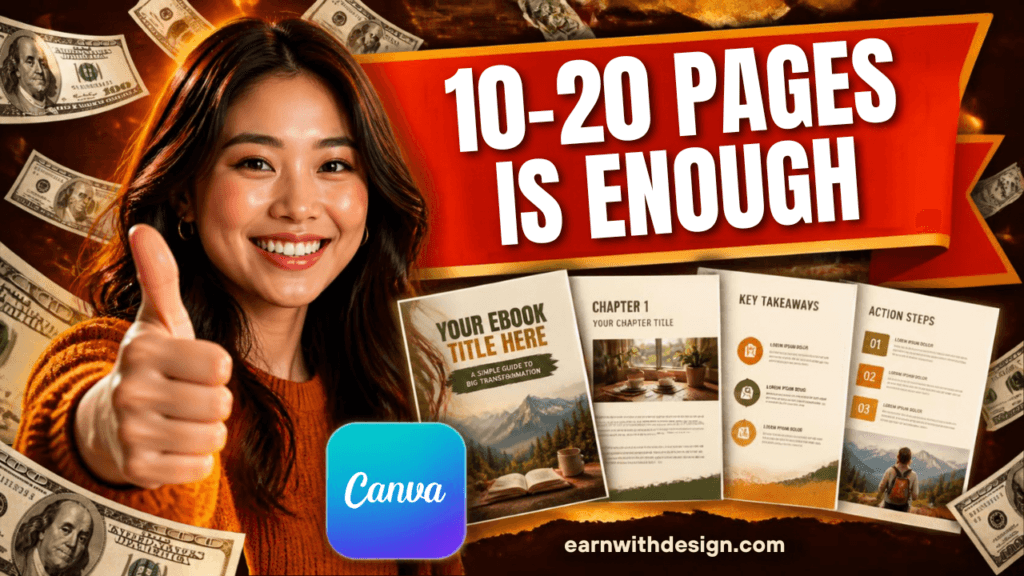
For a lead magnet, aim for 10 to 20 pages, or roughly 2,000 to 5,000 words. Designrr’s 2026 review of lead magnet research puts the highest-converting range at about 12 to 18 pages. Short beats long because the goal is for someone to actually finish it and want more from you.
There’s data behind that. A GetResponse survey of 790 marketers (2020) found 58.6% saw higher conversion with short-form content than long-form guides. And Leadpages numbers put ebooks and guides at about 24% opt-in conversion, behind checklists at roughly 27%, cheat sheets near 34% and quizzes at about 40%.
What I take from that: an ebook is a solid lead magnet, not the best one. If your first ebook gets a trickle of signups, don’t decide you’re bad at this. Pair it with a one-page checklist version as a second opt-in and test both. My post on lead magnet ideas that grow your email list has more formats to test.
How Do You Turn a Free Ebook Template Into a Lead Magnet?
You turn an ebook into a lead magnet by putting it behind an opt-in form, delivering it automatically by email, and ending it with a clear next step. The ebook is the bait. The email list is the catch.
Here’s the simple setup I’d use if I were starting today:
- Pick one problem. “Pick your first digital product in 7 days” beats “Digital products 101”.
- Build the ebook from the template steps above.
- Create a landing page and opt-in form. I use Systeme.io because the free plan covers the page, the form and the automation in one place, so I’m not paying for three tools before I’ve made a sale.
- Set up the delivery email. The moment someone signs up, they get the PDF link automatically. If you want a tool built around lead magnets specifically, LeadCreator is worth a look.
- Add a 3-email welcome sequence that points to your paid product. My breakdown of the email welcome sequence that sells shows the structure.
- Promote it. Pin it on Pinterest, link it in your YouTube description, add it to your blog posts.
I walk through the whole idea in this video, which is the best explanation I’ve got of why a lead magnet beats posting and hoping:
What Should Your Free Ebook Be About?
Make it about the first small win your ideal buyer wants. For my audience (beginner creators), that means a first step, not a full course. Think “Your First Digital Product in 7 Days” or “10 Canva Templates You Can Sell This Week”.
Ideas that work well as a free ebook:
- A starter guide to one product type (planners, templates, ebooks)
- A swipe file of examples, like 25 Etsy title formulas
- A mini workbook with fill-in pages
- A “done for you” checklist plus a short explainer
If you’re stuck on the niche, my post on how to choose a niche for digital products will narrow it down fast.
A useful trick: look at the questions people already ask you, or the Google Search Console queries you get impressions for, and answer one of them in 12 pages. That’s exactly how this post came about.
Can You Sell an Ebook Made From a Free Template?
Yes, if the content is yours and the template’s license allows commercial use of the finished design. You can sell an ebook you wrote, designed with a free Canva template layout. You can’t sell the template itself or pass it off as your own template.
Since Etsy has about 86.5 million active buyers (Q4 2025) and digital downloads are one of its fastest-growing categories, a simple ebook is a reasonable first product. Check the Etsy fees for digital products before you price it, and see my pricing guide so you don’t undercharge.
If the ebook starts as a freebie and you like the signups, you can make a longer paid version later. Free version builds the list. Paid version makes the money.
A Realistic One-Week Plan (60 to 90 Minutes a Day)
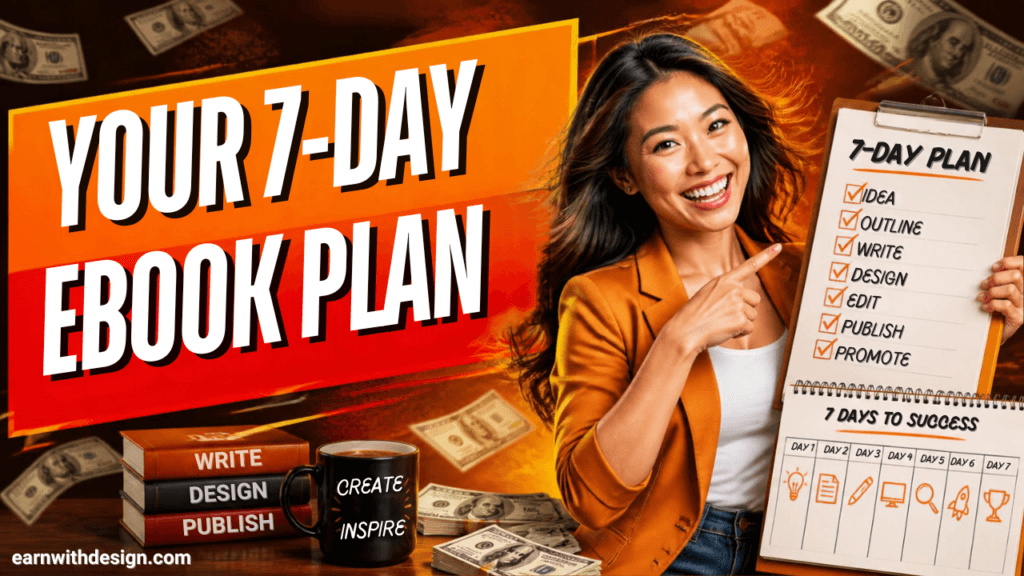
You don’t need a free month for this. Here’s how I’d do it in a week:
- Day 1: Pick the one-sentence promise and outline 7 to 10 sections.
- Day 2: Draft the text.
- Day 3: Choose the template and pour the text in.
- Day 4: Colors, fonts, link on the last page, export PDF.
- Day 5: Build the landing page and delivery email in Systeme.io.
- Day 6: Make two pins and add the link to a YouTube description.
- Day 7: Send it to one person you know and fix whatever confuses them.
Grab My Free Content Planner
If you want the exact weekly system I use to plan one piece of content and repurpose it everywhere, grab my free 30-Day Content Planner for Canva. You can also browse more free templates and lead magnets at lead.earnwithdesign.com. <!– Add FAQ Schema markup via Rank Math or Yoast –>
FAQ
Are there really free ebook templates in Canva? Yes. Canva’s library has hundreds of free ebook, guide and workbook templates. Anything with a crown icon is Pro, so filter for free or check each element before you start.
Can I make an ebook for free online without design skills? Yes. A free Canva account plus a template is enough. Write your content first, pour it into the layout, and export as PDF. Most beginners finish a first draft in an hour or two.
What is the best free ebook creator online? For beginners, Canva is the easiest because the templates, fonts and PDF export are all in one place. If you want to turn the ebook into a flipbook, check my Canva flipbook video in the library on my YouTube channel.
How many pages should a free ebook have? For a lead magnet, 10 to 20 pages works best, with about 12 to 18 pages converting best in recent research. Shorter means more people finish it.
Can I sell an ebook I made from a free template? Usually yes, if you wrote the content and the template license allows commercial use of the finished design. You can’t resell the template itself. Always read the license first.
How do I turn my ebook into a lead magnet? Put it behind an email opt-in form, deliver it automatically, and end the ebook with a link to your next offer. Tools like Systeme.io handle the page, form and delivery email in one place.
Related reading on EarnWithDesign: