
Creating an effective T-shirt order form PDF template can streamline your sales process and boost your business. Learn how to design one tee shirt order form template today.
How to Create an Effective T-Shirt Order Form PDF Template
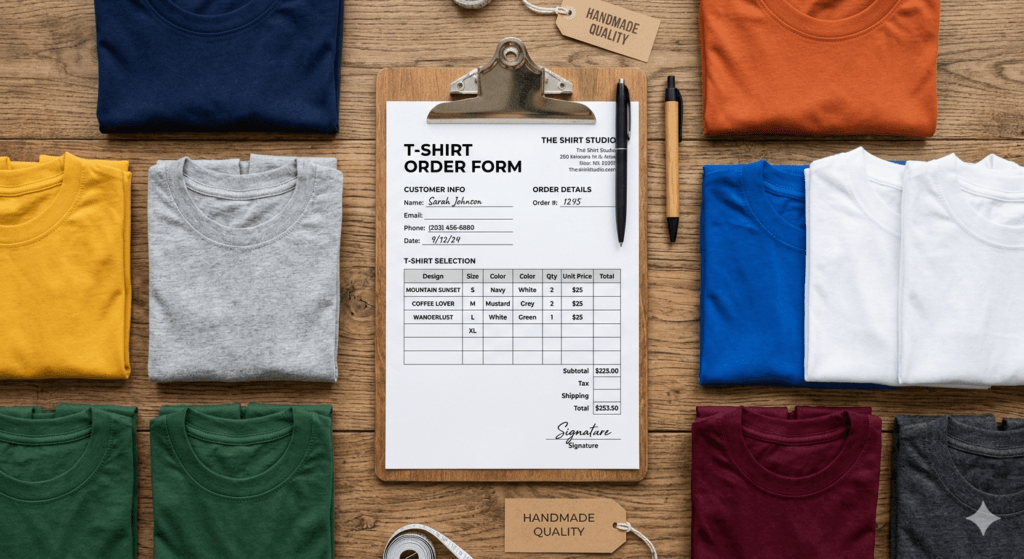
If you sell custom t-shirts – whether for events, schools, teams, or your online shop – having a proper t-shirt order form PDF template can save you so much time and headache. No more back-and-forth messages trying to collect sizes, colors, and quantities. A good t-shirt order form PDF template keeps everything organized from the start.
Why You Need an Effective T-Shirt Order Form PDF Template
Think about it – every time a customer messages you asking “what sizes do you have?” or “can I change my color?”, that’s time you’re losing. A clear t-shirt order form cuts all that out. When customers fill in exactly what they need upfront – size, color, design, quantity – there’s less room for mistakes and way less back-and-forth for you.
Beyond saving time, a well-designed form also makes your business look more professional. When someone receives a polished, organized order form from you, it builds trust. They’re more likely to take you seriously, come back for repeat orders, and recommend you to others. First impressions really do matter, even for small businesses.
And here’s a bonus – a standardized order form makes tracking your sales so much easier. You can quickly input data into a spreadsheet, manage your stock, and even prepare for tax season without scrambling for information. It’s a small habit that pays off big over time.
Key Elements of a T-Shirt Order Form
So what should actually go on your t-shirt order form? Here are the must-haves: product description (design, color, material), available sizes, pricing (including any size or customization add-ons), customer name, contact info, and shipping address. These are the basics – don’t skip any of them or you’ll end up chasing details later.
Pricing transparency is super important too. Be clear about what each item costs, and spell out any extras like taxes, shipping, or customization fees. Nobody likes surprise charges – and being upfront about pricing actually builds more trust with your customers.
Don’t forget customer info fields – at minimum, collect their name, contact number or email, and delivery address. If you offer billing options or need special instructions (like a specific print placement), add those fields too. Getting this info upfront means fewer delays and a smoother experience for everyone.

Designing Your T-Shirt Order Form
Your order form doesn’t need to be fancy – it just needs to be clear. Start with a clean layout that matches your brand: use your logo, brand colors, and a readable font. Then organize the fields in a logical flow – product info first, then sizing and quantity, then customer details and payment. Don’t make people hunt for what they need to fill in.
Use headings to break up your form into sections – it makes everything easier to scan, especially if there are a lot of options. Nobody wants to read a wall of fields. Grouping things like product details, sizing, and customer info separately makes the whole thing feel less overwhelming.
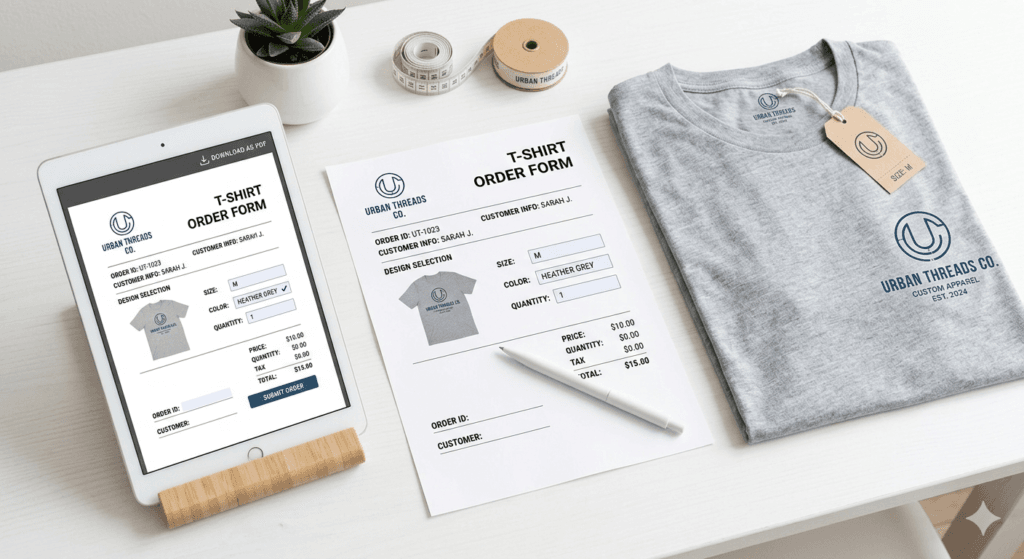
If you can, add visuals – even a simple size chart, color swatch, or a photo of the shirt can help customers make faster, more confident decisions. And if your PDF form has interactive fields (like dropdowns or checkboxes), even better. The easier you make it to fill in, the more orders you’ll get.
Choosing the Right Software for PDF Creation
You don’t need expensive software to create a professional t-shirt order form PDF. There are plenty of options depending on your comfort level and budget. If you’re just starting out, tools like Google Forms, Canva, or JotForm are free and easy to use. You can create a clean form and export it as a PDF in minutes.
If you need more advanced features – like fully interactive fillable fields, digital signatures, or a more polished design – tools like Adobe Acrobat Pro or Microsoft Word give you more control. They take a bit more effort to learn, but the results look really polished for a high-volume t-shirt business.

Tips for Making Your Order Form User-Friendly
Here’s a golden rule: only ask for what you actually need. A shorter form gets filled in more than a long one. If a field isn’t essential to processing the order, leave it out. You want customers to complete your t-shirt order form PDF template in under 2 minutes if possible.
Also, make sure your form works on mobile. A lot of people will open it on their phone, so the layout needs to be readable on a small screen. If possible, test it yourself on your phone before sending it out to customers.
Add helpful notes wherever things might be confusing. For example, if you have a size chart, link to it or include it in the form. If the order requires multiple steps (like approval before printing), say that upfront. Clear instructions save you from answering the same questions over and over.
Customization Options for T-Shirt Orders
Customization is a huge selling point for t-shirt businesses. Customers love being able to choose their own colors, add names, or pick a specific design. If you offer these options, make sure your order form has dedicated fields for them so nothing gets missed during production.
Be upfront about customization costs too. If adding a name or changing a color has an extra charge, show that clearly on the form. Customers appreciate honesty, and it avoids awkward conversations later when the invoice arrives.
One thing many sellers forget: tell customers upfront how long custom orders take. If you need 7-10 days for production, put that in the form. Include a space where they can mention any deadlines too. This prevents the dreaded last-minute “when is my order coming?” messages.
How to Distribute Your Order Form Effectively
Once your form is ready, put it somewhere easy to find. Add it to your website with a clear call-to-action button on your homepage or product pages. The harder it is to find, the fewer orders you’ll get. Keep it accessible!
Your email list is also gold for this. Send the order form link to your subscribers, include a photo of your shirts, and maybe throw in a limited-time promo to get people moving. People who’ve signed up for your list are already interested – make it easy for them to order.
Don’t forget social media! Share your order form link on Instagram, Facebook, or wherever your customers hang out. You can even run a simple targeted ad to reach people who are interested in custom t-shirts in your area.
Common T-Shirt Order Form PDF Template Mistakes to Avoid
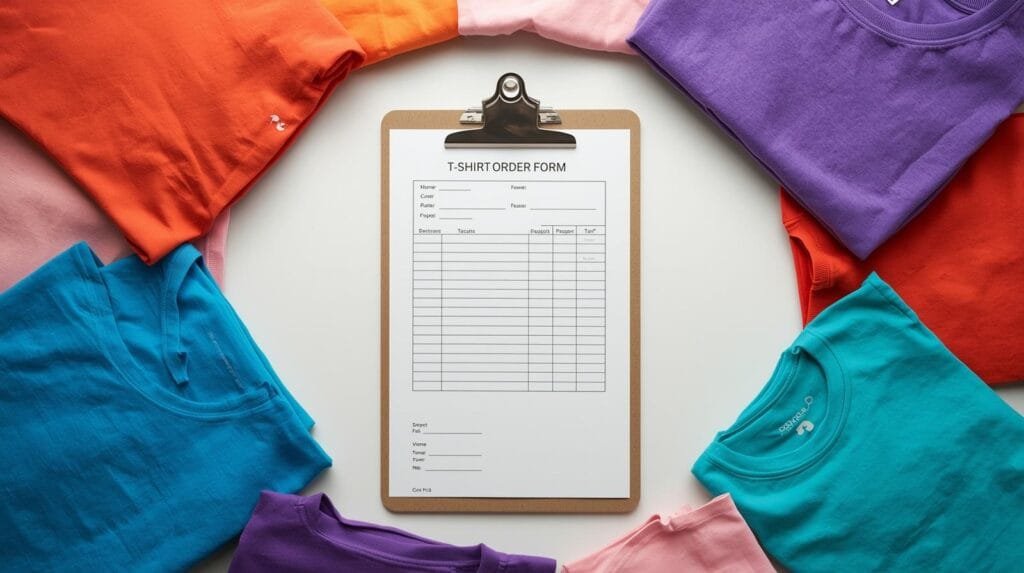
The biggest mistake people make with tee shirt order form template? Making them too complicated. Too many fields, confusing language, or unclear instructions = customers give up halfway. Keep it simple. If you’re unsure whether a field is needed, it probably isn’t.
Also – always test your form before sending it out! Fill it in yourself, or ask a friend to try it. You’d be surprised how many small issues only show up when someone else uses it. Getting fresh eyes on the form before launch can save you from a lot of confusion and corrections later.
And don’t skip the visuals! A size chart, a color picker, or even a sample photo of the shirt can make a huge difference in how confidently customers fill out the form. When people can see what they’re choosing, they make better decisions – and you end up with fewer change requests.
Conclusion and Next Steps
A well-made t-shirt order form is honestly one of the best things you can do for your business. It saves you time, makes you look professional, and makes the whole buying experience smoother for your customers. Whether you build one yourself or use a ready-made template, just get one in place – you’ll notice the difference right away.
Keep tweaking your form over time. Ask customers for feedback, see where they get stuck, and improve from there. A form that’s been refined based on real feedback is always going to perform better than one that was never updated.
Bottom line: your t-shirt order form is a reflection of your business. Make it clear, make it professional, and make it easy to fill out. Do that, and you’ll spend less time chasing information and more time doing what you love – making and selling great shirts. Ready to get started? Grab our tee shirt order form template and hit the ground running!