
Most lead magnets are a PDF, and most people are tired of PDFs. A quiz is different. It asks a question, gives a personal answer, and then asks for an email to send the result. That’s a much easier trade for the reader.
If you’re building an audience of aspiring creators, a quiz also tells you what each person needs, which means you know what to email them next.
The short answer: a quiz lead magnet is a short quiz (7 to 10 questions) that gives each person a result and asks for their email to unlock it. You can design the questions and result pages in Canva, then run the quiz through an email tool like Systeme.io or a simple form, and send each result type its own follow-up emails.
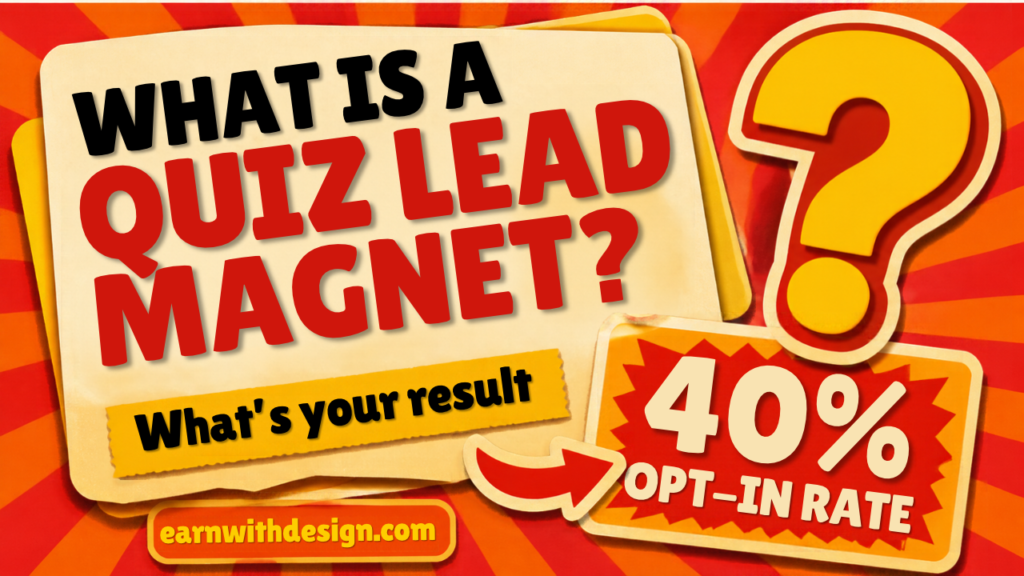
The numbers back it up. Interact’s 2026 quiz report found that about 65% of people who start a quiz finish it, and about 40% of starters leave their email. Compare that to a typical opt-in page and you can see why quizzes keep coming up. Treat those numbers as a benchmark, not a promise. Your topic and traffic source will change them.
What Is a Quiz Lead Magnet?
A quiz lead magnet is a free, short quiz you give away in exchange for an email address. The reader answers a handful of questions and gets a personalized result like “You’re a Planner Seller” or “You’re a Template Creator.”
The reason it works is simple: people love hearing about themselves. A PDF says “here’s some information.” A quiz says “here’s what applies to you.” That feels more valuable even when the content behind it is the same.
For creators selling digital products, quizzes fit well because you can sort people by what they need. One person is stuck choosing a niche. Another can’t get Etsy sales. Each gets a different result, and each gets different emails afterward.
Why Use a Quiz Instead of a PDF Lead Magnet?
I still love PDFs, and I walk through how to make one in my guide on how to create a lead magnet in Canva. But a quiz has three advantages:
- It segments your list for free. Each answer tells you what the person needs.
- It feels personal. The result page is written for them.
- It’s easy to share. “What’s your digital product type?” gets clicks on Pinterest and in Reels more easily than “Download my checklist.”
The tradeoff is the setup. A quiz takes a bit more planning than a PDF. That’s why I’d build it once, keep it simple, and promote it every week.
Here’s the lead magnet system I follow, in video form:
What Topic Should Your Quiz Be About?
Pick a topic your ideal buyer already worries about. For my audience, that’s one of these:
- “What type of digital product should you make first?”
- “Which Etsy product fits your skills?”
- “What’s your content creator style?”
- “Are you ready to launch your first template?”
Notice what they have in common: each has 3 or 4 clear outcomes, and each outcome leads to a product or a post you already have. That’s the key. A quiz without a next step is just entertainment.
If you’re not sure which products to point people to, start with how to choose a niche for digital products and map one result to each niche or product type.
How Do You Write Quiz Questions That Work?
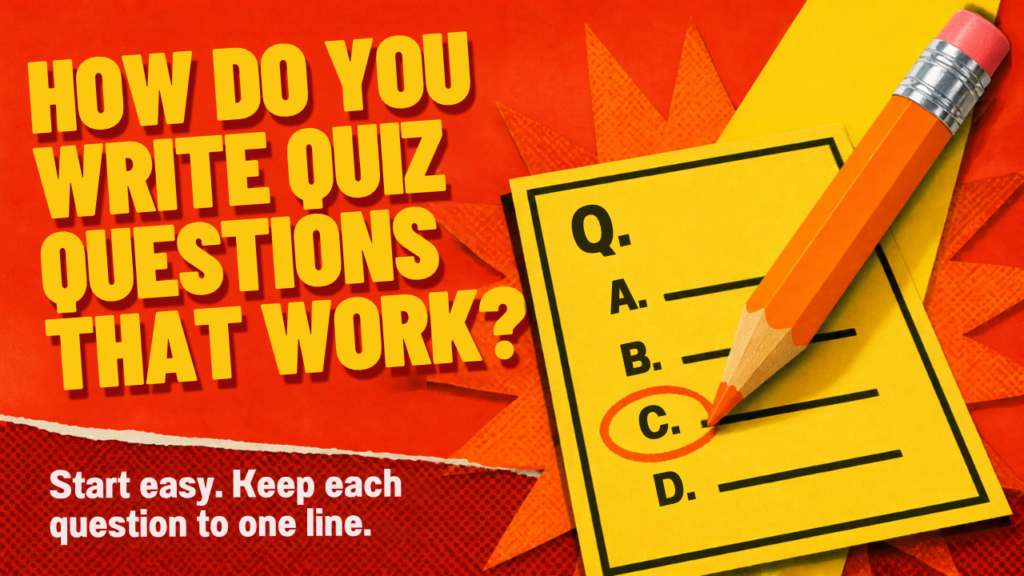
Write 7 to 10 questions. More than that and people drop off. Here’s the format that works:
- Start with an easy, fun question. Something like “What’s your favorite way to create?” gets people moving.
- Use multiple choice with 3 or 4 answers. Each answer should lean toward one result.
- Keep each question to one line. Phones are small.
- Ask 1 or 2 questions about their goal. “What do you want most: first sale, steady income, or more time?” This tells you what to email next.
- Put the email ask after the last question, right before the result. Not before.
Quick example for a “Which digital product should you start with?” quiz:
- Question: “How much time do you have each week?” Answers: 1 hour, 3 hours, 5 or more hours.
- Question: “What are you best at?” Answers: design, writing, organizing, teaching.
- Question: “What do you want in 30 days?” Answers: first sale, an email list, a content system.
Then your results could be Planner Creator, Template Seller, Ebook Author, and Printables Pro. Four results is plenty.
How Do You Design a Quiz in Canva?
Canva doesn’t run the quiz logic for you, so use it for the visuals and let an email tool handle the answers. Here’s the setup I’d use:
- Open a new design. Pick Instagram Post (square) or a custom size like 1080 x 1350 for question cards.
- Make one question card. Big question text, 3 or 4 answer buttons, your colors and fonts.
- Duplicate the page for each question and swap the text. Keep the layout identical so it feels smooth.
- Design one result page per outcome. Result name in big text, a short description, and a button that says “Get my free guide” or “Shop the template.”
- Design a cover. A bold title and a “Take the quiz” button.
- Export the pages. Download them as PNGs or PDFs to use inside your quiz tool, landing page, or Pinterest pins.
Use Canva’s free templates as a starting point only for layout inspiration, and check Canva’s rules on selling and using content before you use any template in something you share commercially. Your quiz cards should be your own design.
If you need extra fonts or graphics that have a clear commercial license, Creative Fabrica is where I go, and I read the license on every item first.
Where Do You Run the Quiz?
You have three simple options:
- Systeme.io. I use Systeme.io for email, landing pages, and automations, and it has a free plan to start. You can build a landing page for your quiz and tag people based on which result link they click.
- A quiz builder tool. Tools built for quizzes do the scoring for you, but many charge monthly. Start with a free plan.
- A “choose your own link” quiz. The simplest version: each answer links to the next question page. It’s clunky, but it costs nothing and works for a first test.
If you also want to find prospects and grow your audience on another channel, LeadCreator is a tool I recommend checking out for lead generation.
Whichever you choose, the setup that matters is the same: one tag or list per result, and one email waiting for each.
What Emails Should You Send After the Quiz?
This is where the money is. The quiz gets the email. The emails get the sale.
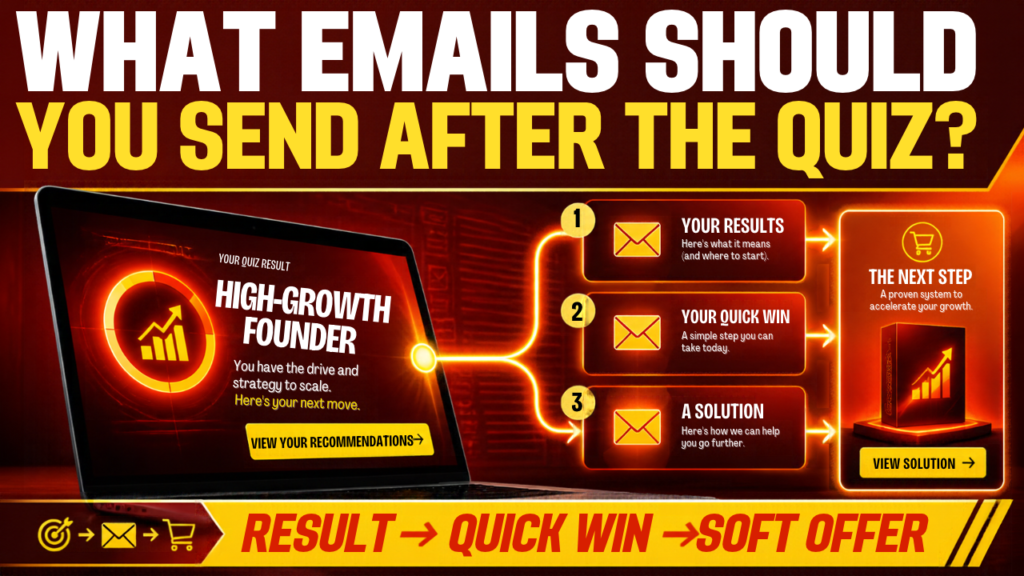
Here’s a simple 3-email sequence per result:
- Email 1 (instantly): Their result, a short explanation, and the one resource that matches it.
- Email 2 (day 2): A quick win. One tip they can do in 20 minutes.
- Email 3 (day 4): A soft offer. Point them to the product, template, or post that fits their result.
Keep each email under 200 words. If you want a full template for this, I break it down in my post on an email welcome sequence that sells.
How Do You Get People to Take Your Quiz?
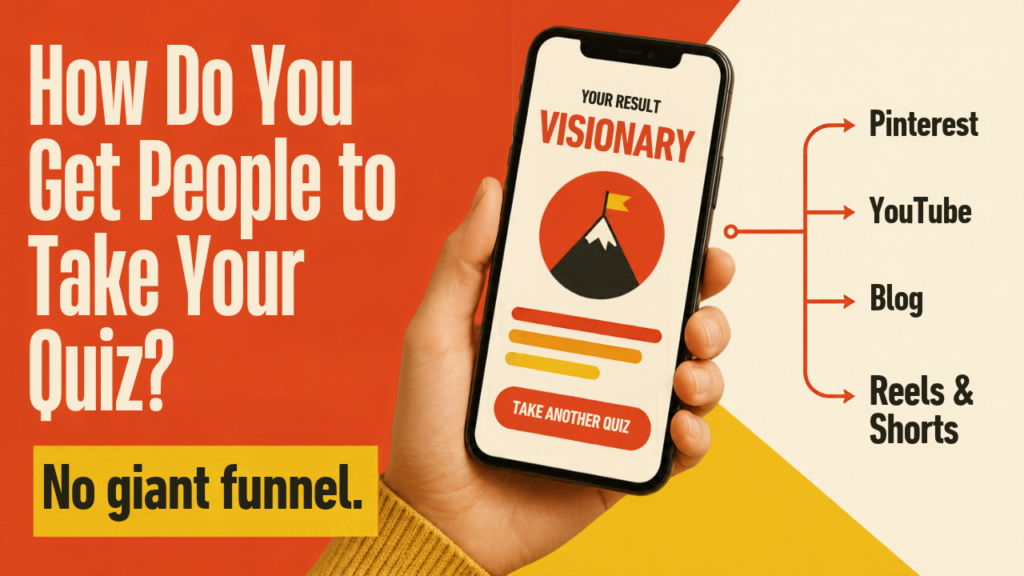
A quiz sitting on your site does nothing. Here’s the weekly routine I’d follow with 60 to 90 minutes a week:
- Pinterest: Make 2 pins with the question as the headline, like “Which digital product should you sell?” Link them to the quiz page. I explain this in how to promote your lead magnet on Pinterest.
- YouTube: Put the quiz link in the description and pinned comment of one video each week.
- Blog: Add a quiz button at the end of related posts.
- Reels and Shorts: Record a 20 second screen capture of you taking the quiz, edited in CapCut.
One quiz, promoted every week across four places. That’s it. No giant funnel.
Common Mistakes With Quiz Lead Magnets
- Too many questions. Keep it at 10 or fewer.
- Results that all sound the same. Make each result clearly different.
- No next step. Every result needs a button and an email.
- Asking for the email too early. Give people the result first, or at least show the last question before the ask.
- Never testing it. Take your own quiz on your phone before you promote it.
If your quiz works but your list still isn’t growing, the problem is usually traffic, not the quiz. My guide on how to build an email list from scratch covers where to find your first 100 subscribers.
Disclosure: some links in this post are affiliate links. I may earn a commission at no extra cost to you. Quiz benchmark from Interact’s 2026 report. Results vary by topic and traffic.
Grab My Free 30-Day Content Planner
Grab my free 30-Day Action Content Planner for Canva: https://earnwithdesign.com/30-day-action-content-planner-canva/ – plan one core topic a week and repurpose it everywhere, including your quiz promotions. More free files and lead magnets are at lead.earnwithdesign.com. <!– Add FAQ Schema markup via Rank Math or Yoast –>
Frequently Asked Questions
What is a quiz lead magnet?
A quiz lead magnet is a short quiz you offer for free in exchange for an email address. The reader answers a few questions and gets a personalized result, which makes it feel more valuable than a generic PDF.
Can you make a quiz in Canva?
You can design the quiz cards and result pages in Canva, but Canva doesn’t score the quiz or collect emails. Use an email tool like Systeme.io, or a quiz builder, to run the logic and collect addresses.
How many questions should a lead magnet quiz have?
Seven to ten is a good range. Fewer feels too thin, and more makes people drop off before they reach the email ask.
What is a good quiz opt-in rate?
Interact’s 2026 report put the average start-to-lead rate at about 40%, but that depends heavily on your niche and traffic. Use it as a rough benchmark and improve from your own numbers.
What should my quiz be about?
Pick a problem your ideal buyer already has, with 3 or 4 clear outcomes that each lead to a product or post you already have. For creators, “Which digital product should I make first?” is a strong starting point.
How do I promote a quiz lead magnet?
Share it on Pinterest with the quiz question as the pin headline, link it in your YouTube descriptions, add it to the end of related blog posts, and post short screen-recorded videos of the quiz. Pick one quiz and promote it weekly.
Related reading on EarnWithDesign: