If you’re creating content on YouTube, Pinterest, or Instagram and you don’t have an email list yet – this is the one thing I’d tell you to fix first.
Social media is borrowed land. The algorithm changes, your account could get suspended, a platform could shut down. But your email list? That’s yours. Nobody can take it from you.
The good news: you don’t need to spend money to start. You can build your first 100 subscribers with completely free tools.
Here’s exactly how to do it.
Why Every Creator Needs an Email List (Even a Small One)
I know, I know – you’ve heard this before. But let me give you the real reason it matters.
When I was just starting out with under 100 YouTube subscribers, I used my email list to generate over 100 leads in three months. Those subscribers became my most loyal audience – the ones who actually bought my digital products.
Your email list converts better than any social media platform. Period.
A person who gives you their email address is saying “yes, I trust you, I want to hear from you.” That’s way more valuable than a follower who scrolls past your posts.
Plus, when you have something to sell – a digital product, a template pack, a mini course – your email list is how you make those first sales without spending a cent on ads.

Step 1: Choose Your Free Email Tool
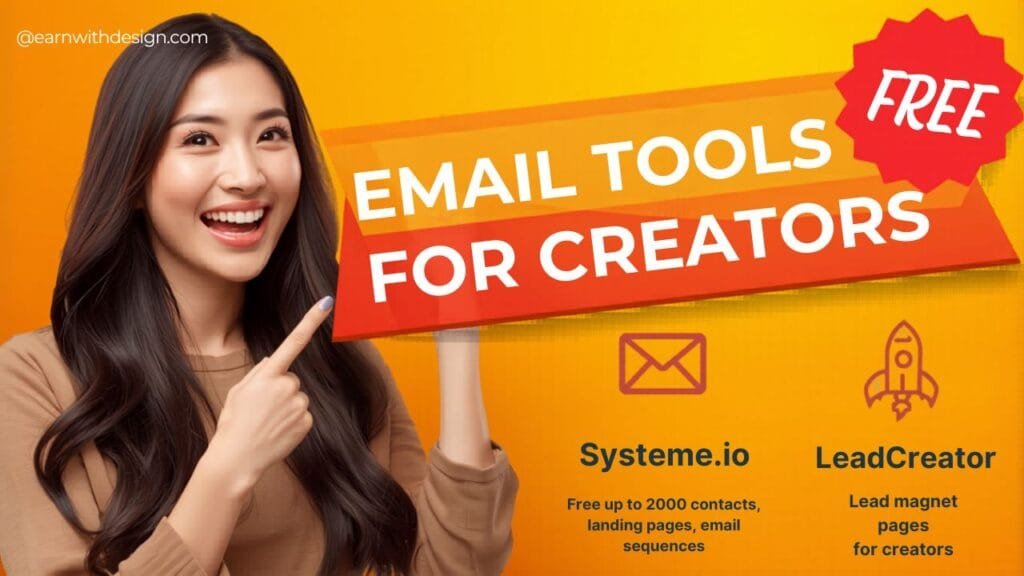
You don’t need to pay for an email platform when you’re starting out. Here are two tools I actually use and recommend:
Systeme.io – completely free up to 2,000 contacts
This is my top pick for beginners. Systeme.io lets you build landing pages, set up an email sequence, and manage your list all in one place – for free. You don’t need to connect multiple tools. Everything is in one dashboard.
Free plan includes:
- Up to 2,000 contacts
- Unlimited emails
- 3 sales funnels
- 1 membership site
- 1 blog
That’s more than enough to get started and make your first sales.
This is what I use specifically for creating lead magnet pages. It’s designed for content creators and makes it really easy to set up a page where people can download your freebie in exchange for their email. Super clean, fast to set up.
Pick one and stick with it. Don’t overthink this step.
Step 2: Create a Simple Freebie (Your Lead Magnet)
Nobody gives out their email for nothing. You need to offer something valuable in exchange.
The good news: your freebie doesn’t need to be complicated. In fact, simpler is usually better.
Want the full breakdown on what makes a lead magnet actually get downloaded?
I made a free guide for exactly this:
👉 The Secret to Creating Lead Magnets That Get Downloaded Over and Over
Here are some easy freebies you can make in Canva:
- A checklist – “10-Step Checklist to Launch Your First Digital Product”
- A mini guide – “3 Things You Need Before You Start Your Etsy Shop”
- A template – One free Canva template from your pack
- A resource list – “My Favourite Free Tools for Content Creators”
- A short planner – A 1-week content planning worksheet
The best lead magnet solves one specific problem for your audience in a short amount of time. Think: what’s one quick win you can give someone?
I also made a full Canva tutorial on creating lead magnets that actually get downloaded – worth watching before you design yours.
For my audience, I offer a 30-Day Action Content Planner – it’s practical, actionable, and directly related to what I teach.
How to make it fast: Design it in Canva, export as a PDF, and upload it to Systeme.io or LeadCreator.
Done. You can literally create your lead magnet in 30 to 60 minutes.
And if you want to make yours profitable from the start, here’s my free Canva lead magnet tutorial:
👉 Create Profitable Lead Magnets with Canva
Step 3: Set Up Your Landing Page
A landing page is the page where people sign up to get your freebie.
It doesn’t need to be fancy. It needs three things:
- A headline that says what they get
- A short description of why it’s useful
- An email sign-up form
That’s it.
With Systeme.io, you can set this up in about 20 minutes using their built-in templates. With LeadCreator, it’s even faster – it’s built specifically for this.
Your headline should be clear, not clever. Don’t try to be cute. Just say what they get. Example:
“Get the Free 30-Day Content Planner – Start Building Your Online Business This Week”
That tells me exactly what I’m getting and why I should care.
Step 4: Set Up Your Welcome Email
When someone signs up, you need to send them the freebie automatically. This is called a welcome email.
In Systeme.io, you can set up an automation so that the moment someone signs up, they get an email with the download link. No manual work on your end.
Your welcome email should:
- Deliver the freebie (obviously!)
- Tell them briefly who you are
- Let them know what kind of emails they’ll get from you
- Keep it short – 3 to 5 sentences is fine
Here’s a simple example:
“Hey [first name]! Here’s your free [freebie name]: [link]. I’m Rachel, and I help content creators build and sell digital products using Canva. Every week I share practical tips to help you grow and make money online. So happy you’re here!”
That’s it. Simple and human.
Step 5: Drive Traffic to Your Sign-Up Page
Now you need people to actually find your landing page. Here’s where your content comes in.
From YouTube: Mention your freebie in every relevant video. Put the link in your video description. Say something like: “I made a free checklist for this – link is in the description below.”
From Pinterest: Create pins that link directly to your landing page. Pinterest is incredible for driving long-term, steady traffic. One good pin can send people to your list for months.
From your blog: Add a content upgrade or opt-in box at the end of relevant blog posts. The reader just finished your article – they’re warm. That’s the best time to offer a related freebie.
From Instagram or TikTok: Add your landing page link to your bio. Mention your freebie in captions and stories.
You don’t need all of these. Start with one or two channels you’re already active on and add the freebie link consistently.
What to Send Your List After They Sign Up
A lot of creators build an email list and then… don’t email it. Don’t be that person.
You don’t need a complicated email strategy. Here’s a simple 3-email sequence you can set up once in Systeme.io:
- Email 1 (Immediately): Welcome email + freebie delivery
- Email 2 (Day 3): A helpful tip or resource related to your freebie topic
- Email 3 (Day 7): Introduce your most popular blog post, YouTube video, or Etsy shop
After that, send a simple weekly email. It can be short – one tip, one resource, or a quick update on what you’re working on. Consistency matters more than perfection.
A Quick Note on Growing Faster
Once you’ve got the basics set up, you can start thinking about growing faster. A few things that work really well:
- Create a new lead magnet for each main content topic you cover – more freebies = more entry points to your list
- Use Pinterest consistently – it’s the best free traffic source for list building if you’re in the online business or creative space
- Collaborate with other creators – even a simple shoutout from someone in your niche can bring in new subscribers
You don’t need hundreds of thousands of followers to build a profitable email list. I’ve seen creators with 500 YouTube subscribers make consistent product sales because they had a solid, engaged email list of 300 people.
Tools Summary
Here’s everything you need to start your email list today – all free:
- Systeme.io – email marketing, landing pages, automation (free up to 2,000 contacts)
- LeadCreator – fast lead magnet pages built for creators
- Canva – to design your freebie
- CapCut – if you want to make short videos promoting your freebie on social media
Total cost: $0.
Ready to Start?
The best time to start your email list was when you published your first piece of content. The second best time is today.
Pick a simple freebie, set up a landing page in Systeme.io, and add the link to whatever content you’re already creating. That’s it.
Grab My Free Content Planner
If you’re not sure what to offer as your first freebie, start here – grab my free 30-Day Action Content Planner. It walks you through planning your first month of content and products step by step.
Frequently Asked Questions
Do I need a website to build an email list? No. You can use Systeme.io or LeadCreator to set up a landing page without a website. But having a blog does help you drive more consistent traffic over time.
How many subscribers do I need before I can sell something? There’s no magic number. I’ve seen people with 50 subscribers make their first sale. What matters more is how engaged your list is and how relevant your offer is.
How often should I email my list? Once a week is a good starting point. More than that can feel spammy if you’re not providing value. Less than that and people forget who you are.
Can I use Systeme.io and LeadCreator together? Yes. Many creators use LeadCreator for the landing page and freebie delivery, and Systeme.io for the ongoing email sequences and automation.
What if nobody signs up? That usually means one of two things: your freebie isn’t specific enough, or you’re not getting enough traffic to your landing page. Fix one at a time – start with the freebie and make sure it solves a real, specific problem.
Want to go deeper? Check out these related posts:
- The Ultimate Guide to Crafting Lead Magnets That Convert
- Step-by-Step: Build a Successful Online Business from Scratch in 2025
- Full Pinterest Affiliate Marketing Guide to Success 2025